3 min read
How to use AI coding agents inside Godot
An honest guide to running AI coding agents in the Godot editor: chat plugins vs terminal CLIs vs MCP-based editor control, what Godot MCP actually does, and how to get started.
Run the coding agents you already use — several at once, organized your way — without leaving the editor.
Free 7-day trial · $9.99 one-time, no subscription · GDAgent adds no telemetry


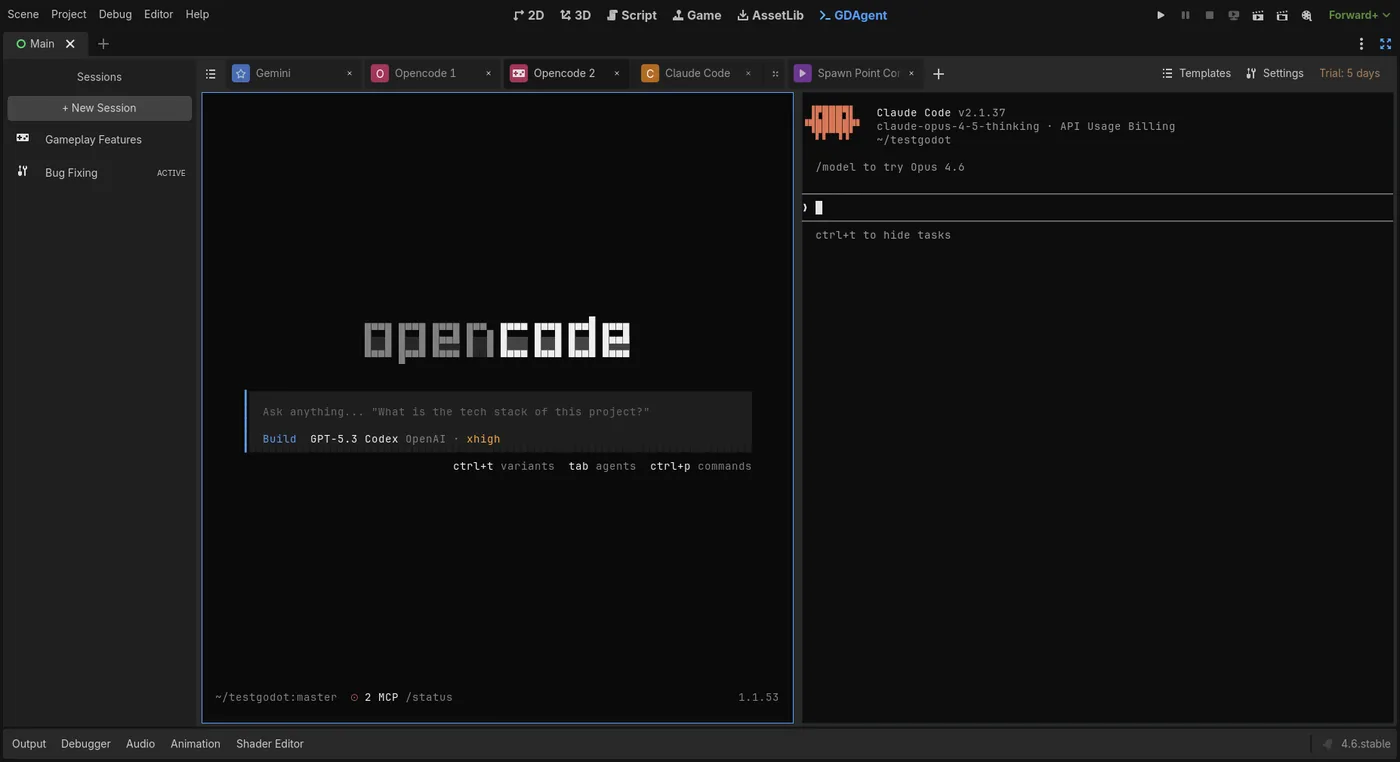
The parts that make AI agents actually useful inside Godot.
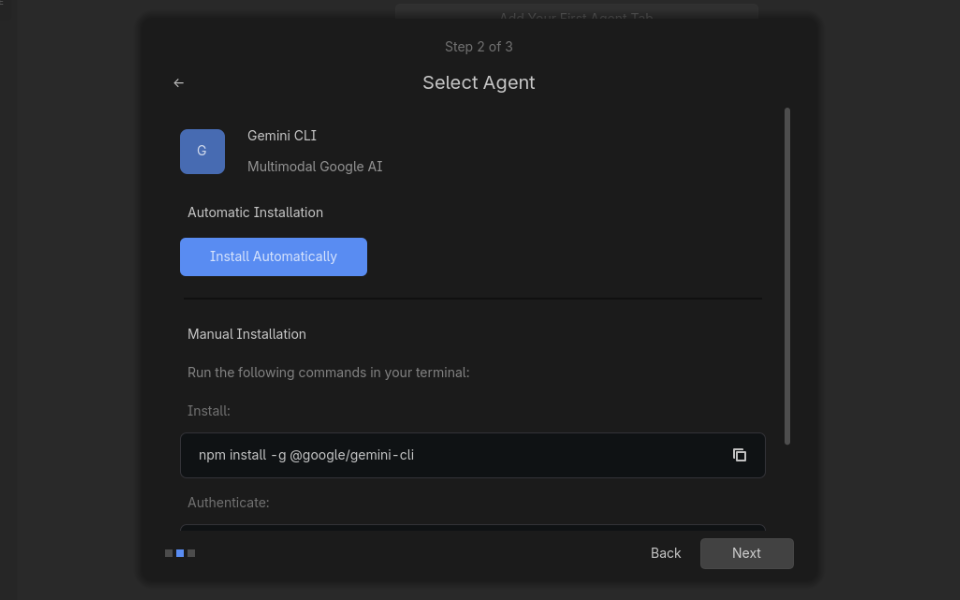
First Run Wizard checks your environment, detects supported AI tools, and guides setup with a clearer install flow.
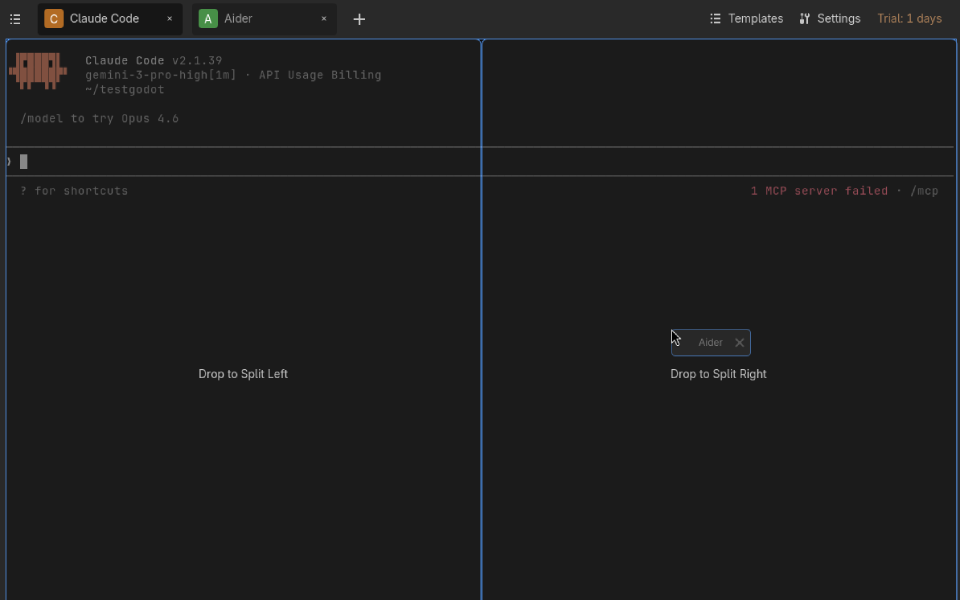
Split view, drag & drop. Organize your AI sessions exactly how you want them.
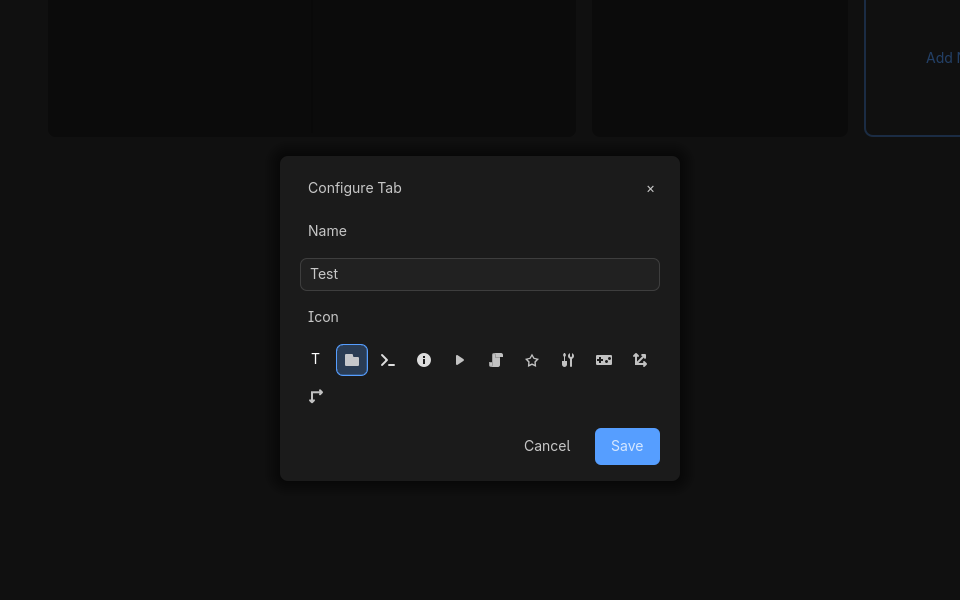
Reopen Godot and pick up where you left off: tabs, layout, terminal scrollback — and for supported agents, the same AI conversation.
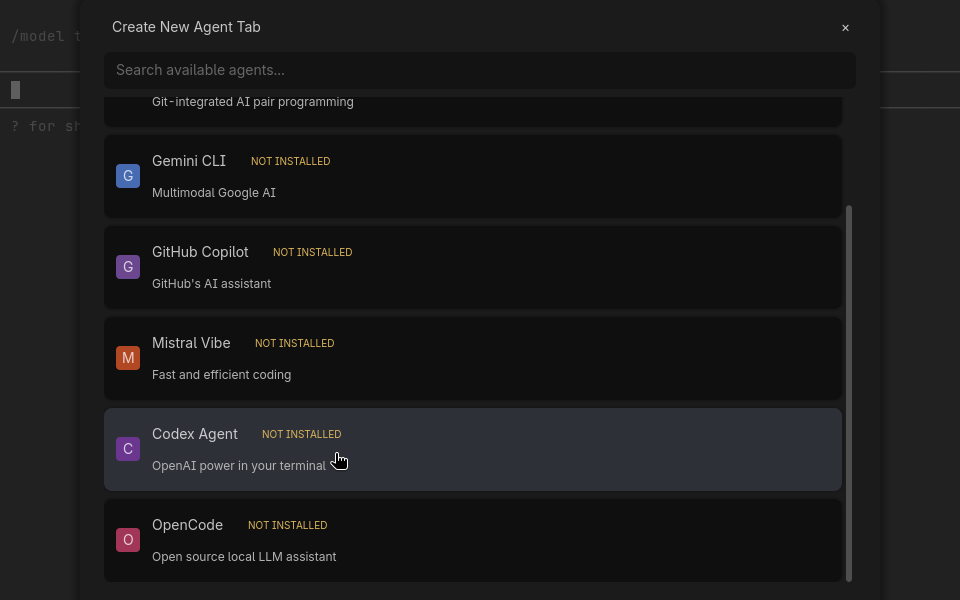
Run your preferred AI agents and models side by side.
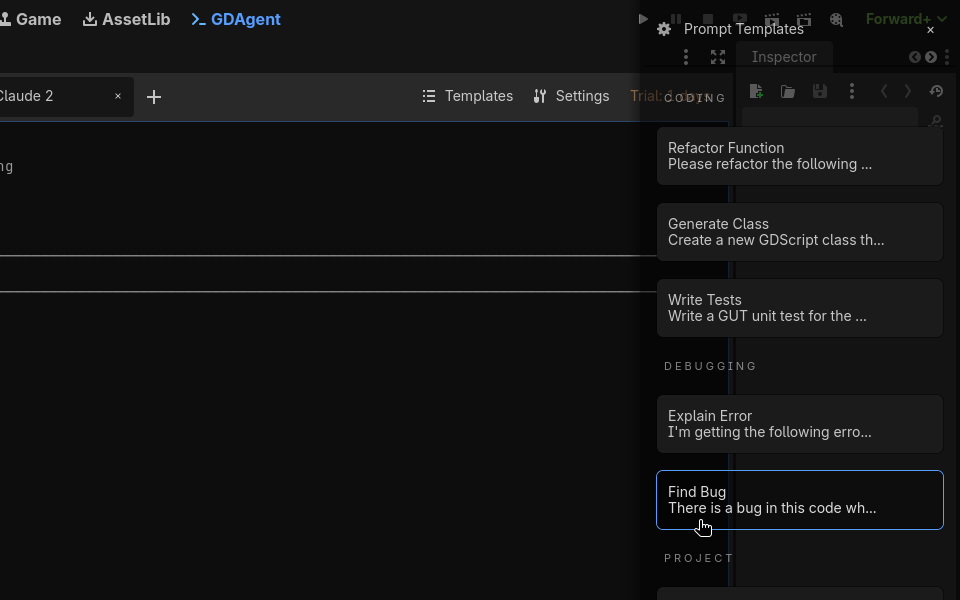
Built-in templates for common Godot tasks. GDScript fixes, project settings, and more.
Rust backend with a fast, responsive terminal. No Electron, no web views.
With the bundled Godot MCP, supported agents work in the editor itself — the scene tree, the running game, and more.
Available for agents that support the bundled MCP. See the support matrix.
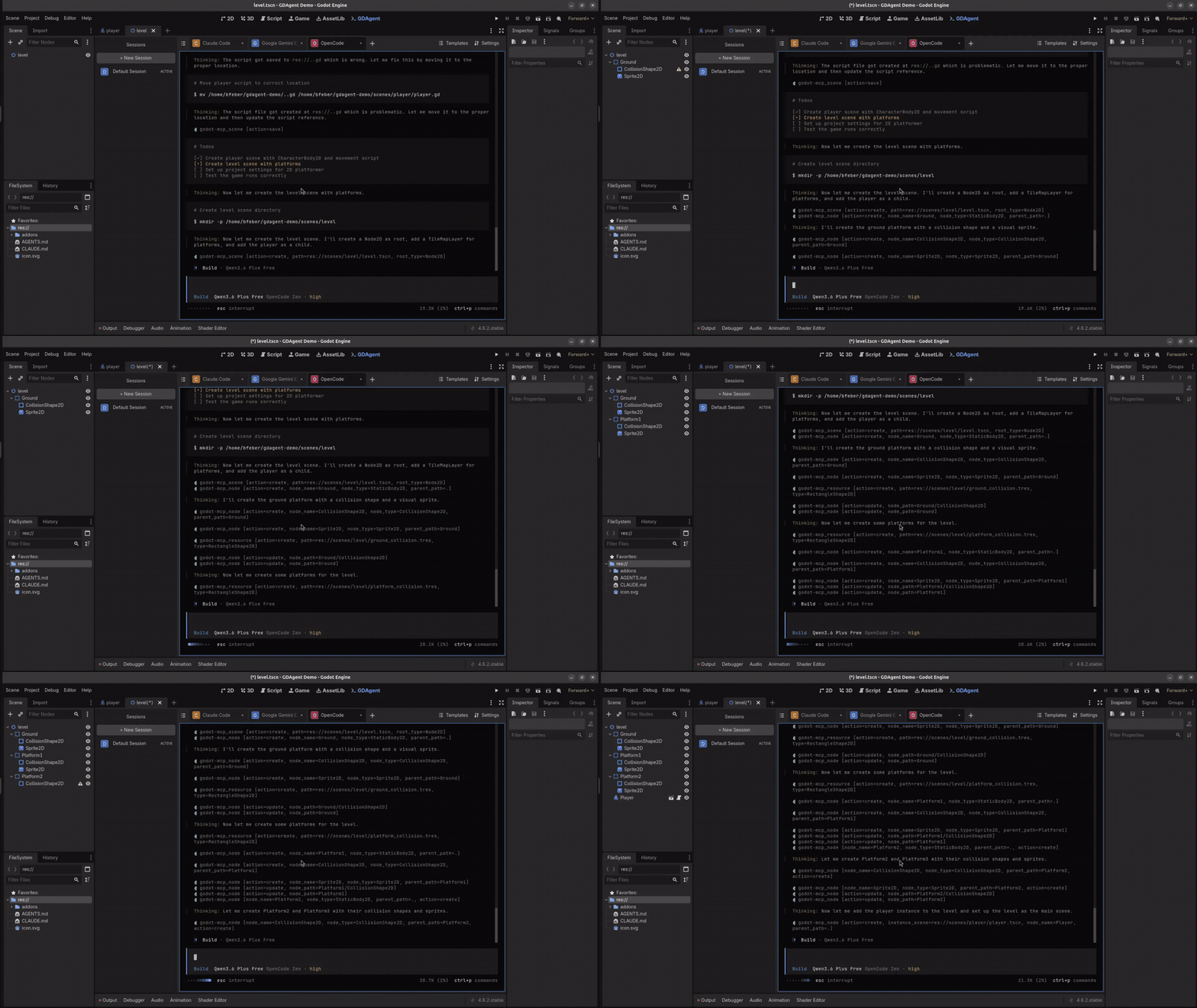
A short walkthrough of a real GDAgent session.
What you get that the free plugins and the subscription tools don't.
The full Claude Code, Codex or OpenCode terminal, running inside Godot. Not a cut-down chat panel that edits one file at a time.
$9.99 once. Bring a free CLI or the AI tool you already pay for, instead of buying metered credits every month.
GDAgent runs in real Godot, with your project, scenes and shortcuts. Nothing to migrate, no separate app to learn.
GDAgent has no servers and sends no telemetry. The AI tools you choose talk to their own APIs, which is your call to make, not ours.
Built and actively maintained by one developer, with 15 releases since launch. Email support and a 30-day money-back guarantee.
Run the full thing for 7 days, no credit card. From the Asset Store you don't even need an account.
One-time purchase. No subscriptions. Unlimited updates while maintained.
Run the full version for 7 days. No credit card required.
Perfect for solo developers
For studios and teams (coming soon)
30-day money-back guarantee — buy with zero risk. Refund Policy
Available for Windows & Linux. On macOS? Join the waitlist → · Android is planned.
Native support for macOS and full parity with other desktop platforms.
Join the waitlistNative support for Android, allowing you to use your full workflow on the go.
Extend GDAgent with custom integrations and browse shared prompt packs for common workflows like save systems, multiplayer, and more.
Automatic checkpoint before every AI edit. If an agent breaks something, roll back to the last working state in one click.
A shared knowledge base that all agents can read and write to. Decisions, conventions, and architecture notes persist across multiple agents and sessions.
Recently shipped
From The Blog
An honest guide to running AI coding agents in the Godot editor: chat plugins vs terminal CLIs vs MCP-based editor control, what Godot MCP actually does, and how to get started.
Get help, report a bug, or follow along.